1
Say what to build
Type an idea in your own words. Grown-ups can add a photo instead: a pet, a house, a favourite car.
“a rocket with three engines”
Brick Life turns anything you can describe into a brick model. Spin it round in 3D, get a list of every brick and follow a step-by-step instruction manual with your name on the cover.
Free until 1 November, manuals included. Works with the bricks you already have.

No building software to learn. Say what you want and Brick Life does the designing.
Type an idea in your own words. Grown-ups can add a photo instead: a pet, a house, a favourite car.
Brick Life designs it layer by layer, swaps every block for a real brick in a real colour and checks the whole model holds together.
Follow your instruction manual one step at a time. Use the bricks you have and order the rest in one go.
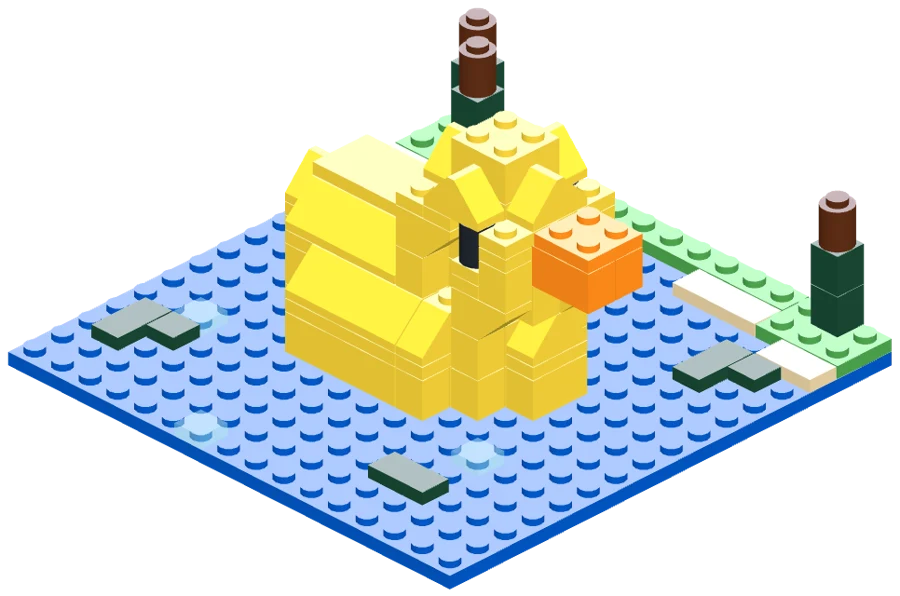
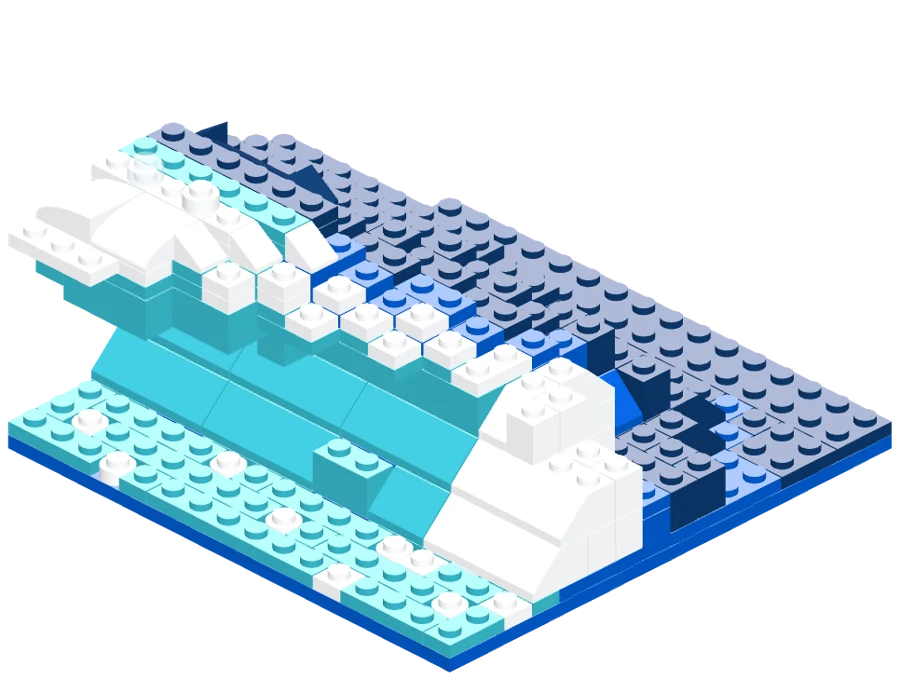
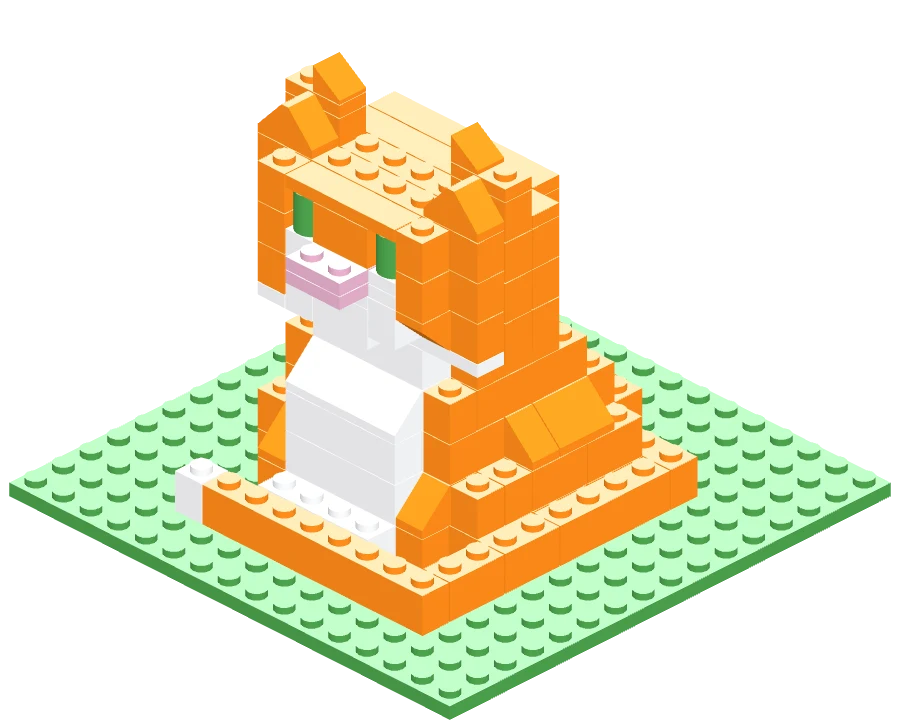
Each of these started as one sentence or a photo.
“a yellow duck sitting on a pond”
“a tall striped lighthouse on rocks by the sea”
“a wave breaking”
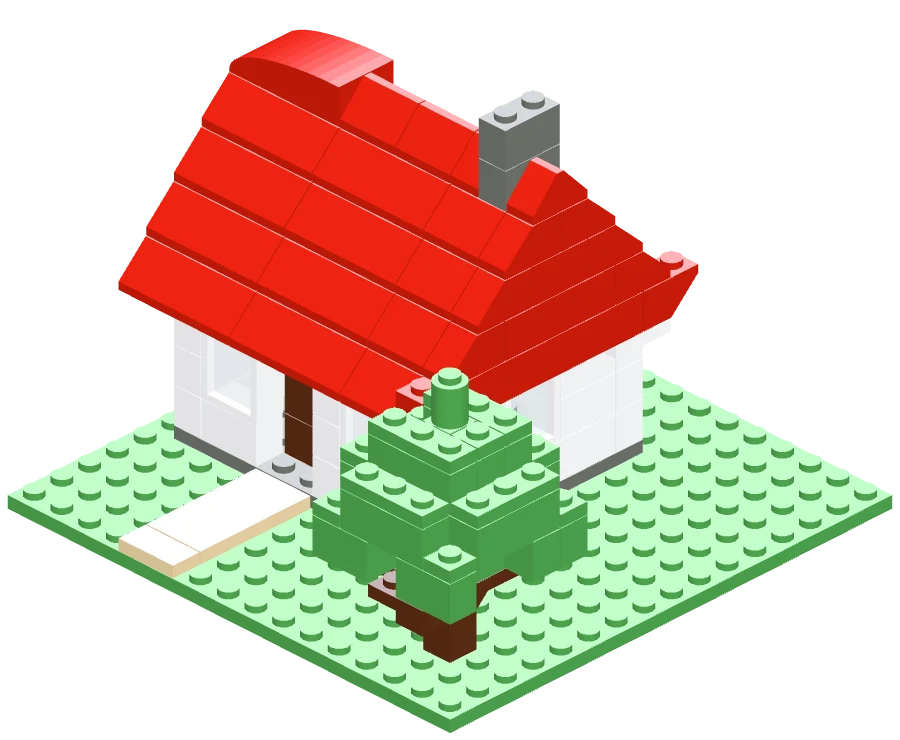
“a little cottage with a tree”
“a ginger cat sitting upright, tail curled round its paws”
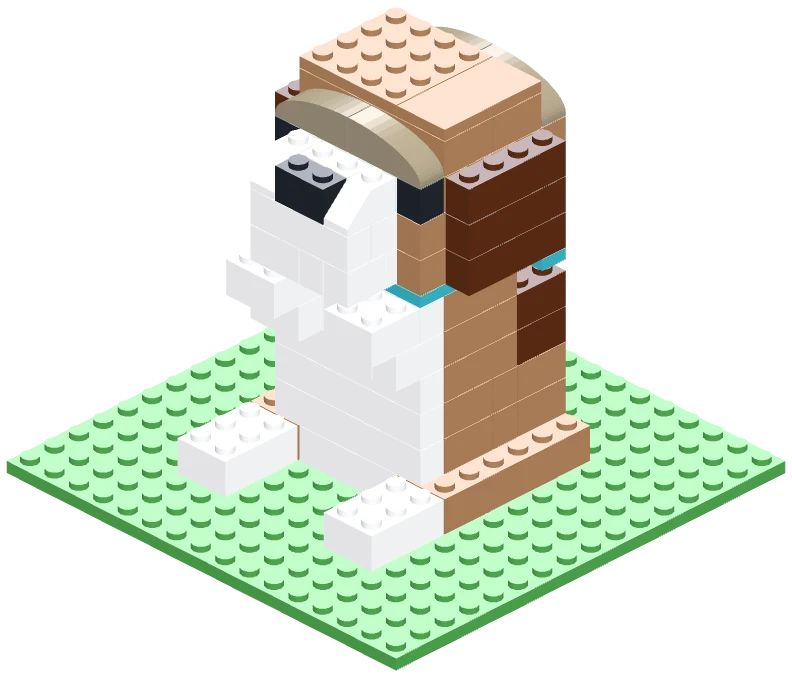
Designed from a photo
Every part is checked against the colours it has actually been made in. If a brick never existed in your colour, Brick Life picks the closest real one.
Every model is checked so each brick is held by the ones around it. Overhangs only go as far as real bricks can reach.
Copy the parts list straight into BrickLink or Brick Owl and order the whole model in one go.
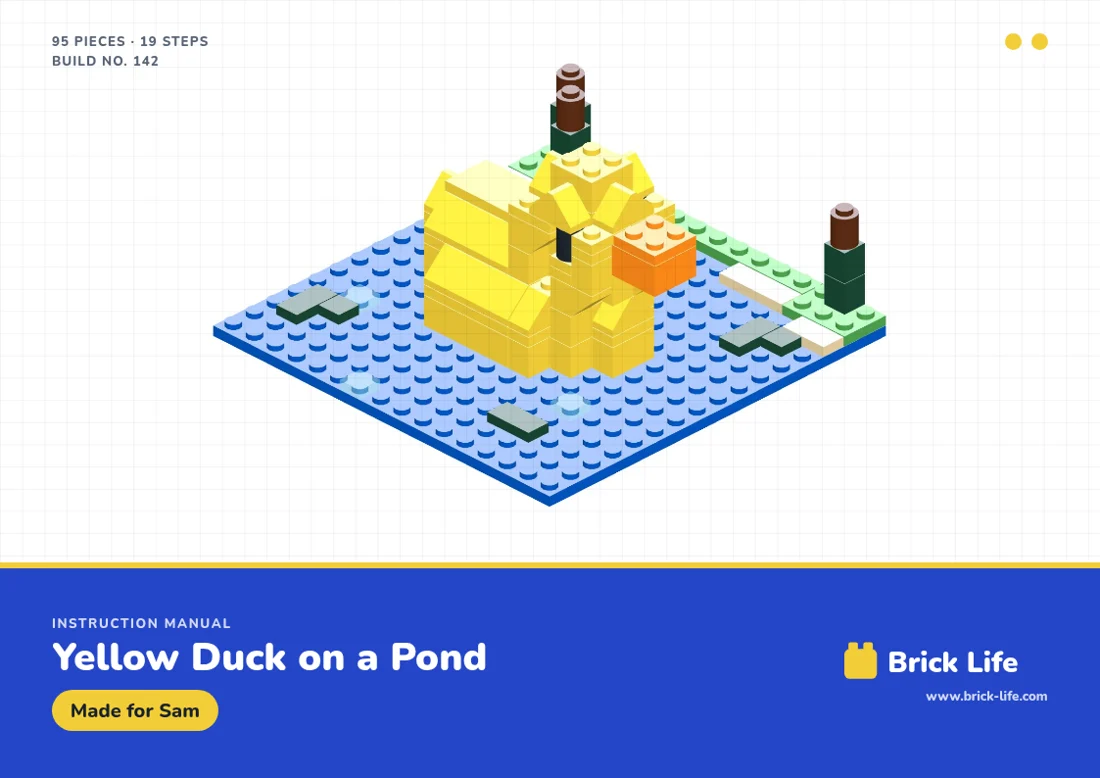
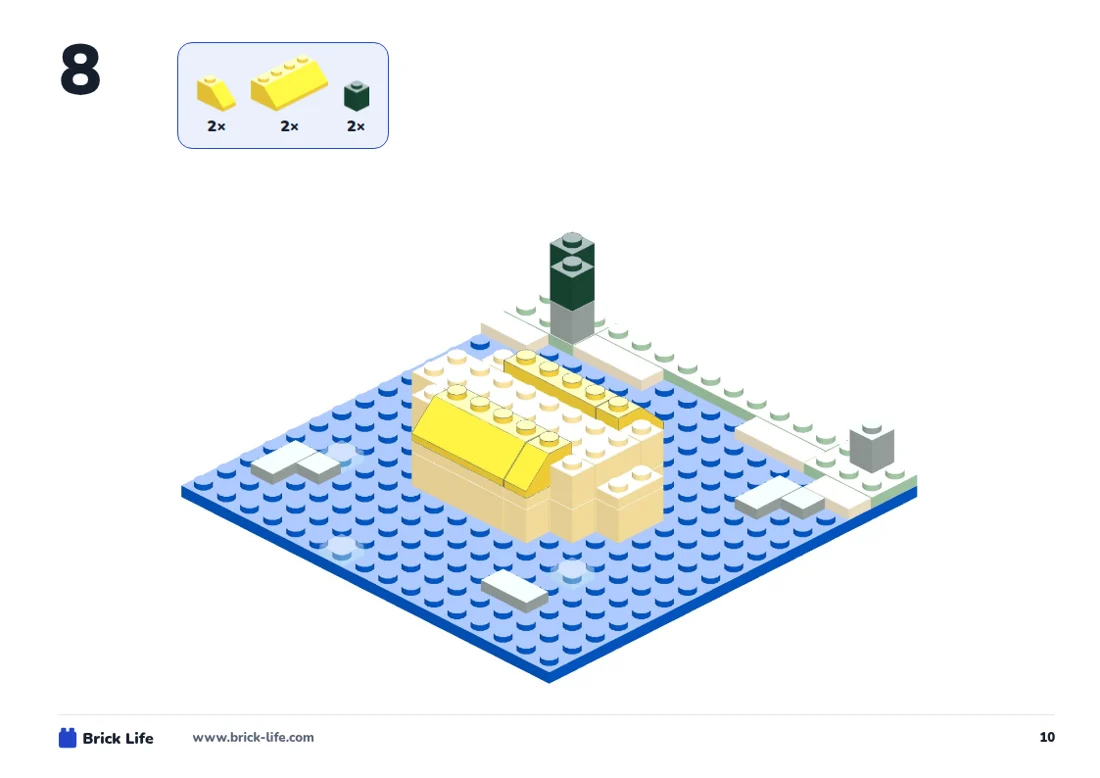
Print it at home and build it one step at a time, just like a boxed set.
Instructions, not bricks. Brick Life makes your instruction manual and parts list. We don’t sell or send bricks. How to get the bricks
Albie had the idea while out on a walk with his mum and dad: describe anything you can imagine and get it back as a model you can actually build. He named it Brick Life too. His mum and dad did the typing.
Children sign in with a Brick card instead of an account, so we know as little as possible about them.
A Brick card is just a code. No name, email or photo is needed.
Their builds are kept on their card. Nobody else can browse them.
Anything rude or scary is turned down. Phone numbers and addresses are blocked.
Children can never buy anything. Manuals are bought by a grown-up with their own card.
No. Brick Life makes your instruction manual and a full parts list. We don’t sell or send bricks. Use the bricks you already have and order any you’re missing from a brick shop such as BrickLink or Brick Owl.
Standard building bricks. Every part in a design is a real part in a colour it has actually been made in, so the whole parts list can be ordered from brick shops.
Everything is free until 1 November 2026, manuals included. After that, designing stays free and your first 2 manuals are free. Then manuals cost £3.49 to £7.49, depending on the size of the build.
Children use a Brick card, which needs no name, email or photo. Their builds are private, every idea is checked before it’s designed and children can never pay for anything. More for parents.
Join the waitlist below and we’ll email you an invite. If a friend has given you a Brick card, sign in with the code on it.
We’re letting builders in a few at a time. Leave your email and we’ll send you an invite when there’s room.
Got a Brick card already? Sign in with your code